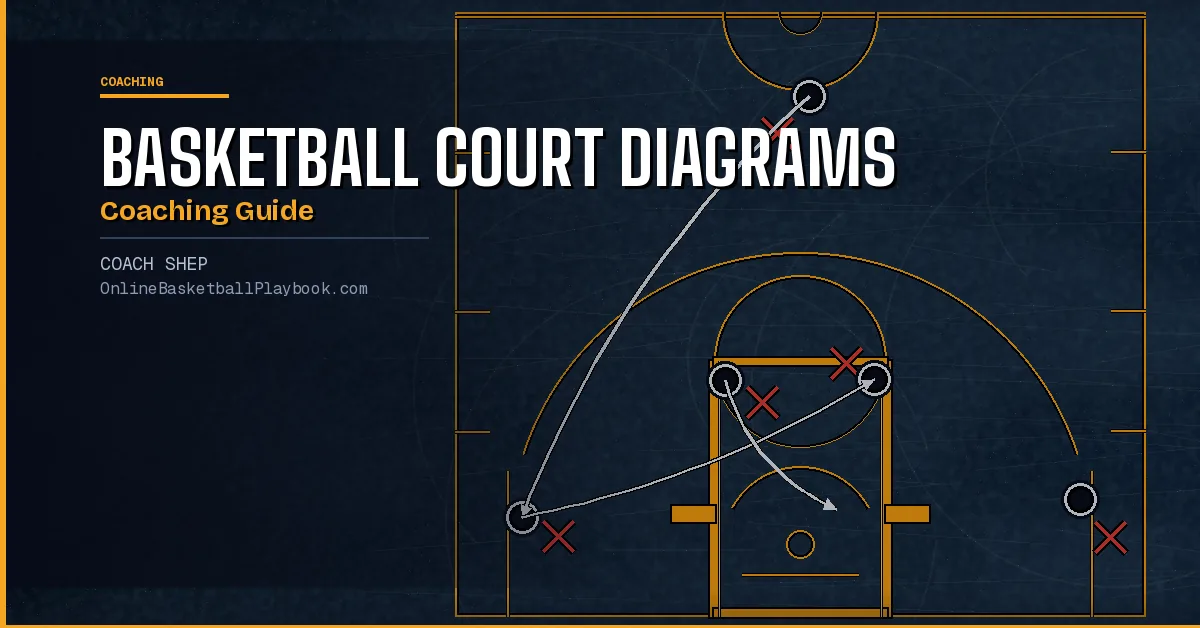
Basketball court diagrams are the fastest way to teach any system: offense, defense, or press. Here is what every coach needs to know to read them, draw them, and use them to build a smarter team.
Anatomy of a Basketball Court Diagram
Before you can use a basketball court diagram to teach, you need to understand what the diagram is showing you. A diagram is not just a bird's-eye-view snapshot of where players stand. It is a compressed playbook, a set of sequential instructions that tells five players where to start, where to move, and when to move there. The court drawing itself is the backdrop. The real information lives in the arrows, lines, and numbers drawn on top of it.
Every basketball court diagram begins with the same physical reference points: the paint, the three-point arc, the midcourt line, and the free-throw line. These landmarks are not decoration. They are the spatial anchors that tell players exactly where a position or action occurs. When a diagram shows a player "at the elbow," that means the intersection of the free-throw line and the lane line. When it shows a cut "to the block," that means the low post box on either side of the lane. Coaches who can immediately translate diagram positions to physical floor spots are the ones who teach systems fastest.
The two sides of the court carry important names in diagram language. The "strong side" is the side where the ball is located. The "weak side" (sometimes called the "help side") is the opposite side. Almost every diagram you read will label movements relative to ball position rather than compass direction, which is why understanding strong side and weak side is the first skill to develop when reading plays.
For press diagrams, there is a third spatial reference that half-court diagrams never use: the full-court backdrop showing all 94 feet, with the 3/4 line marked roughly between the offensive free-throw line extended and midcourt. Press diagrams that omit this landmark create confusion in practice because players do not know where to set up before the ball crosses half court. A complete press diagram always shows pick-up points in relation to a named floor landmark.
Standard Symbols and What They Mean
The symbols used in basketball court diagrams are not fully standardized across every coaching resource, but there is a widely-adopted convention that the majority of playbooks follow. Learning this convention once lets you read diagrams from virtually any source, whether that is a Georgetown press manual, a Pitino coaching book, or a hand-drawn whiteboard your assistant brings to practice.
Players are represented as circles, often with numbers (1 through 5) indicating position. Offensive players are typically open circles or circles with a letter. Defensive players are shown as filled circles, X's, or triangles, depending on the source. The ball is usually shown as a filled dot or the letter "B" attached to the player who holds it.
Movement lines carry the most information and the most room for misreading. A straight solid arrow shows a player cut (the player physically runs from one spot to another). A curved arrow usually shows a dribble. A dashed line typically shows a pass (the ball moving from one player to another without a player physically traveling). A wavy or zigzag line often shows a screen being set. If a diagram uses non-standard symbols, the first thing to look for is a legend; serious coaching resources always include one.
Numbers on arrows indicate sequence. If a diagram shows a "1" arrow and then a "2" arrow, it means action 1 happens first and action 2 happens in response. Some diagrams use letters (A, B, C) to show the same thing. The danger coaches face is assuming all arrows happen simultaneously. Most do not. Teaching a play from a diagram without walking players through the sequence is the fastest way to create confusion on the floor.
For press and zone defense diagrams, the symbols often add shaded "coverage zones" (gray or lightly colored regions that show which defender is responsible for which area). These are especially common in trapping diagrams, where it matters not just where each defender stands, but which passing lanes they are responsible for cutting off after the trap springs.
Reading Half-Court Diagrams
The majority of plays you will encounter in any coaching resource are half-court diagrams. These show one end of the floor, typically 47 feet from the mid-court line to the baseline, and lay out offensive sets, defensive alignments, or both. Half-court diagrams are the workhorse of basketball coaching because most decision-making in basketball happens in the half-court game.
When you pick up a half-court diagram, ask four questions in order. First, who has the ball and where? Second, what is the first action: a cut, a screen, a pass, or a dribble? Third, what are the other four players doing while that first action happens? Fourth, what defensive response does the play account for?
The Princeton offense is a good example of a system where half-court diagram reading becomes a daily coaching necessity. Princeton sets (the back-cut system, the hi-lo action, the wing isolation) all operate off a base alignment that players have to recognize quickly from a diagram before they can execute it on the floor. The base alignment is always five players spaced above the three-point line with a guard at the top of the key, two wings, and two cutters at the elbows. Every motion reads from that alignment. A coach who can point to a Princeton half-court diagram and say, "here is our spacing, here is the trigger read, here is the back-cut" has done the teaching job the diagram is there to do.
Defensive half-court diagrams follow the same reading logic but look at coverage rather than movement. A man-to-man half-court diagram typically shows dotted lines from each defender to the offensive player they guard, plus help-side positioning for the weak-side defenders. A zone diagram shows the coverage areas and how the zone shifts as the ball moves. The key coaching question for any defensive diagram is: "what happens to this alignment when the ball skips from strong side to weak side?" If the diagram does not show the shift, draw it yourself before teaching the defense.
Reading Full-Court and Press Diagrams
Full-court diagrams operate at a different scale and require additional spatial awareness. Because the entire 94-foot floor is shown, the diagram is physically smaller for each zone. Details that are obvious in a half-court drawing become compressed and can be misread. The most common mistake coaches make with full-court press diagrams is reading them quickly, missing the pick-up trigger, and teaching the wrong starting alignment.
Press diagrams typically show two moments in the same frame: the initial alignment before the ball is inbounded, and the first trap or shift after the ball crosses a designated line. Many experienced coaches circle the "before" positions and trace the "after" positions with arrows, teaching both frames explicitly rather than letting players guess which arrow means which moment. This two-frame reading approach is worth adopting as a personal habit before any press diagram hits your whiteboard.
The 1-2-1-1 full-court zone press, the Georgetown model popularized by John Thompson and documented by Craig Esherick, is one of the most diagrammed press systems in coaching literature. Its diagram always shows five defined roles: a front presser at the inbound line, two wing players at the lane lines, a middle interceptor near half court, and a goaltender near the far free-throw line. The arrows on a 1-2-1-1 diagram show the rotation after the initial trap springs: front presser and near wing converge, middle interceptor covers the reversal pass lane, and far wing and goaltender protect the back. Reading that rotation correctly, and in the right order, is the difference between an organized press and five players running at the ball.
A 2-2-1 press diagram looks different at first glance (two front players instead of one) but the trap logic and rotation arrows follow similar rules. One "50" press system, for example, diagrams a 2-2-1 matchup press that converts to a 3/4-court 1-3-1 on a single voice call ("50 Cross"). When coaches understand how to read both diagrams, they can see the conversion as a shift in alignment rather than a completely new system, which is exactly how it should be installed with players.
The Three-Quarter Court Press: A Diagram Breakdown
The three-quarter court press is one of the most tactically useful diagrams a coach can add to their library, and one of the least frequently drawn. Most coaching resources treat it as a brief footnote in full-court press chapters. But as a standalone teaching diagram, the 3/4 press deserves its own full breakdown because what makes it different from a full-court press is entirely about WHERE on the diagram the pick-up line is drawn.
In a 3/4 court press diagram, the five defensive players set up between the offensive free-throw line extended and half court, already in position before the ball handler arrives. This is the key visual distinction from a full-court press diagram, where the front defenders start at or near the baseline. In the 3/4 version, the defense is pre-set at the pick-up zone. The diagram shows them waiting, not sprinting.
The trap zone in a 3/4 press diagram is almost always drawn at the sideline rather than the middle of the court. This is not an aesthetic choice. The sideline becomes a third defender in the trap (the ball handler has no out-of-bounds pass option) and any good 3/4 press diagram shows the trap angle converging toward the boundary, not toward the center of the floor. If you see a 3/4 press diagram where the trap is drawn in the middle, that is either a run-and-jump adjustment or a diagramming error. Standard trapping rules apply: two defenders converge on the ball handler, the other three cut passing lanes toward the basket.
The rotation arrows in a 3/4 press diagram show the same 2-trappers / 2-interceptors / 1-goaltender structure used in full-court press rotations. The mid-court interceptor cuts off the reversal pass back toward the middle. The back-side interceptor covers the forward outlet on the sideline. The goaltender, drawn at the far free-throw line or paint, does not move until the ball handler commits to a direction. That last point is critical to teach from the diagram: the goaltender's arrow should be the smallest, latest arrow in the frame. Any diagram that shows the goaltender moving early is showing incorrect rotation.
Recovery arrows matter as much as trap arrows in a 3/4 press diagram. When the trap fails (the ball handler splits the two defenders), both trappers must sprint to spots between the ball and the basket, not back toward the ball handler. A press diagram that does not show the recovery path is incomplete, because recovery is where most 3/4 press breakdowns occur in live play. Draw the recovery arrows explicitly when you are copying this diagram for your own use.
Drawing Your Own Diagrams That Players Actually Learn From
Reading diagrams is one skill. Drawing them for your own players is another. The gap between a diagram that exists and a diagram that teaches is larger than most coaches realize, and it comes down to a few specific decisions about how information is presented on the page.
The first decision is scale. A diagram drawn too small loses spatial accuracy: the paint looks the same width as the three-point arc, positions that should be clearly separated look crowded, and players cannot mentally map the drawing to the actual floor. A usable half-court teaching diagram should fill at least a half-sheet of paper, or its digital equivalent. Full-court press diagrams need more space still because the pick-up trigger zone and the back-side recovery positions must be clearly distinguishable from one another.
The second decision is sequence. Draw one moment at a time if the play has more than two actions. Many coaches try to show the entire play on a single diagram and end up with arrows crossing each other, numbered actions that players read out of order, and no clear sense of cause and effect. For any play with three or more sequential actions, consider drawing it as a two-panel or three-panel diagram, where each panel shows one action and its immediate response. This is how one press system illustrates its rotations: one frame for the initial alignment, one frame for the trap, one frame for the rotation. And it is why those diagrams are easier to teach from than single-frame alternatives.
The third decision is labeling. Players should not need to memorize a legend to read your diagram. Label positions with the same vocabulary you use on the floor. If you call your middle press interceptor "the Taker," label that player "Taker" on the diagram. If you call the pick-up line "the trigger," mark that line "trigger" on the drawing. The diagram should reinforce your terminology, not introduce new ones.
Before you hand a press diagram to your players, walk the diagram yourself on an empty floor. Stand at each position marker and physically walk every arrow. Any arrow that does not make physical sense when you walk it is a teaching problem. Fix the diagram before practice, not during it, because a confused player mid-drill will usually stop and ask a question at the exact moment you need momentum to build.
Digital Tools vs. Paper: What Coaches Use Today
The conversation about digital diagram tools versus hand-drawn diagrams has settled into a practical answer: most coaches use both, for different purposes. Hand-drawn whiteboard diagrams are faster in-practice because you can sketch a counter read in twenty seconds at a timeout and point directly to the board. Digital diagrams are better for scouting reports, playbooks sent to players before games, and any diagram that needs to be stored and reused across a season.
Digital basketball diagram tools range from simple PDF editors to purpose-built software that includes animation. The animated diagram (where arrows move sequentially rather than all appearing at once) is particularly effective for teaching press rotations because players can see the trap forming and the rotation filling in real time. Several free tools exist that allow coaches to input player positions and draw arrows that animate on a screen. For teams that do film sessions, an animated press diagram shown before the film clip accelerates player learning considerably.
The limitation of digital tools is that they can slow down the creation process for coaches who are not experienced with them. A good whiteboard diagram takes thirty seconds. A good digital diagram in an unfamiliar tool can take fifteen minutes. For coaches building a playbook from scratch, the realistic approach is to draw on paper first, verify that the diagram teaches correctly in a live practice session, and then invest the time in a clean digital version that can be distributed and reused.
Online play-drawing tools designed specifically for basketball coaches handle the diagramming step without requiring graphic design skills. A play drawer that allows coaches to drag player positions onto a court template, connect them with labeled arrows, and export the result as a PDF or image file covers the vast majority of coaching diagram needs. The best of these tools use standard basketball court dimensions, include both half-court and full-court templates, and support the common arrow types (cut, pass, screen, dribble) without forcing coaches to draw freehand.
- Always label the pick-up trigger line on any press diagram because players cannot self-correct if they do not know where the pick-up zone begins on the floor.
- Draw recovery arrows on every press diagram, not just the trap arrows. Most press breakdowns happen in recovery, not in the initial trap.
- Use two-panel or three-panel diagrams for any play with more than two sequential actions; crossing arrows on a single frame create confusion that costs you practice time.
- Mark the goaltender's position and add a note: "last to move." The most common press alignment error is the goaltender committing early to a trap that has not fully closed.
- When teaching a 3/4 press diagram, show the "waiting" alignment first (defenders pre-set at the pick-up zone) before showing the trap. Players need to see that the defense does NOT sprint from the basket. It starts already organized.
- Label players by role name, not position number, when drawing press diagrams. "Taker," "Goaltender," and "Controller" are remembered in a live situation, but "X3," "X4," and "X5" are not.
Want more basketball coaching strategies, drills, and tools?
Join the Online Basketball Playbook newsletter →
Draw this play free in the play drawer →
Membership: the full library, playbook packs, and Pro drawing tools →
Keep Building
Related breakdowns
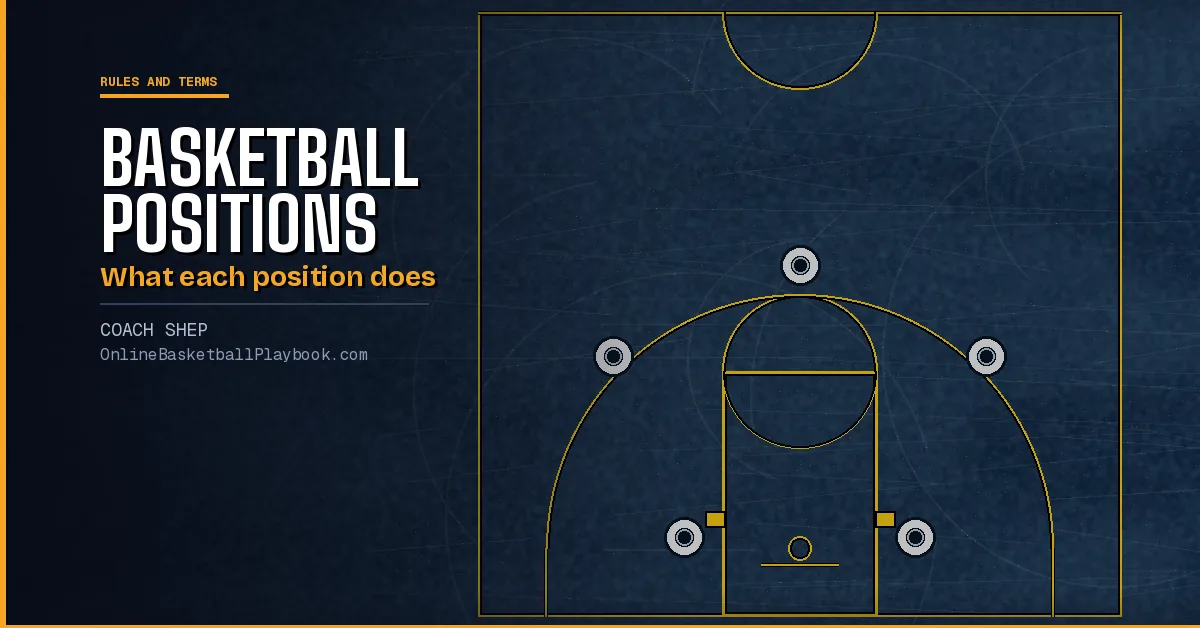
Basketball Positions: What Each of the 5 Positions Does
The point guard, shooting guard, small forward, power forward and center, what each one does on offense and defense, and when to ignore the numbers.
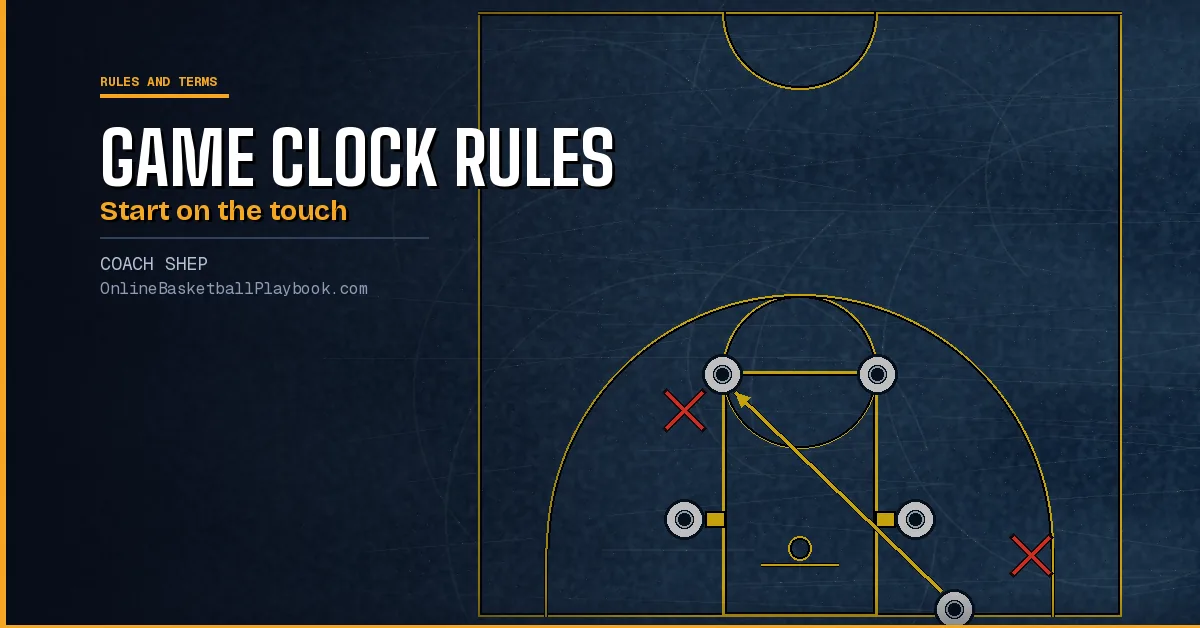
Basketball Game Clock Rules: When It Stops and When It Starts
Basketball game clock rules by level: when the clock stops, when it starts on a throw-in or a missed free throw, made baskets late and the last-two-minute rules.
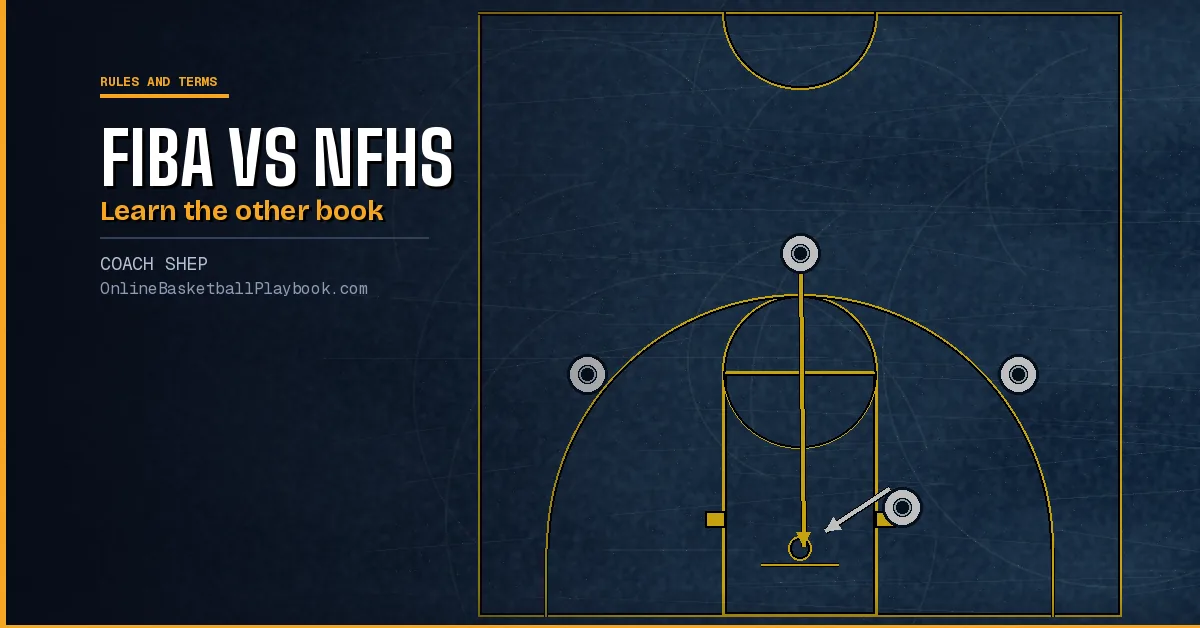
FIBA vs NFHS Rules for Coaches Who Play Internationally
FIBA vs NFHS rules for coaches: goaltending and the ball on the ring, timeouts, travel and the gather, the clock, the throw-in, plus Olympic rules vs the NBA.