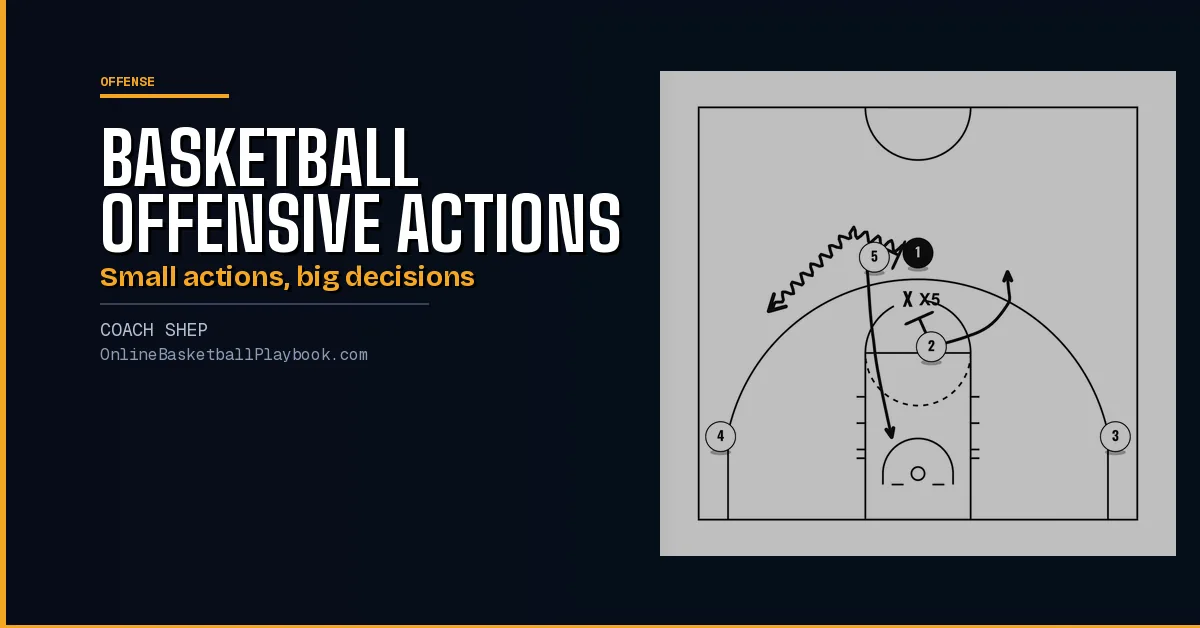
Basketball offensive actions are the building blocks of an offense: a screen, a handoff, a cut, or a short chain of two or three of them. Each block exists to win an edge and make a defender choose. Game broadcasts toss the names around (Spain, floppy, ghost, hammer) without saying what they are. This guide puts the 19 major actions on one page, with a diagram for each, so a coach can match every name to its shape and to the choice it puts on the defense.
The actions are grouped by how they start: ball screens, handoffs, ball screens with extra parts, screens for shooters, cuts, and three-player actions. Each one links to its own deeper guide where the site has one. Complete offenses that string these together are on basketball offense, and the screens on their own are sorted on basketball screens.
All 19 Actions at a Glance
| Action | What happens | The decision it forces |
|---|---|---|
| Pick and roll | Ball screen, screener dives to the rim | Screener's defender sits back or steps up |
| Pick and pop | Ball screen, screener drifts out to shoot | Help on the ball or stay with a shooting screener |
| Slip | Screener breaks to the rim before contact | Punishes defenders who set up early to switch, trap or hedge |
| Ghost screen | Screener fakes the ball screen and drifts out | Switch or stay, decided in a moment of doubt |
| Dribble handoff | Dribble at a teammate and give him the ball | The same menu as a pick and roll |
| Zoom | Off-ball screen straight into a handoff | Two obstacles in a row for one defender |
| Double drag | Two ball screens back to back | Driver, roller and shooter at the same time |
| Spain pick and roll | Pick and roll plus a back screen on the roller's defender | Three threats at once |
| Ram screen | Off-ball screen for the player about to set the ball screen | The screener's defender starts a step late |
| Floppy | Shooter under the rim picks a side | The defender reacts, he cannot guess |
| Stagger | Two or three off-ball screens back to back | Stay attached through every screen |
| Flare screen | Screen that sends a player away from the ball | Chase and get caught, or cheat and give up the back cut |
| Elevator | Two screeners close the gap behind a shooter | The defender is shut out behind the doors |
| Back screen | Screen on the blind side of a defender watching the ball | A layup, or a scramble to turn, talk and recover |
| Pin down | Low screen, cutter comes up to the perimeter | Chase, cheat over the top or switch |
| UCLA cut | Pass to the wing, cut off a back screen near the elbow | Lose the cutter or give up space |
| Iverson cut | Cut across the top over screens at the elbows | The scorer catches where he wants it |
| Hammer | Baseline drive plus a back screen on the weak-side help | Help on the drive or guard the corner |
| Split action | Two perimeter players work around a post or elbow hub | Several off-ball threats at once |
Each row has its own section below. The diagrams use the symbols on how to read a basketball play diagram: a solid arrow is a cut, a wavy line is a dribble, a dashed line is a pass and a short line with a bar is a screen.
Ball Screen Actions
A ball screen is set on the man guarding the ball. These four begin the same way and part company on one question: what does the screener do next?
1. Pick and Roll
The pick and roll is the action you will see more than any other. Two players run it. The screener plants himself on the ball handler's defender, and as the handler attacks off the screen, the screener turns and dives for the rim.
Its power is the choice it hands the screener's defender:
- He sits back: the handler has room to shoot.
- He steps up to the ball: look for the roller.
- A third defender drops in to take the roller: the pass out to the perimeter usually finds a free shooter.

Two players can bend all five defenders. Coverages and reads are on pick and roll basketball.
2. Pick and Pop
The pick and pop opens exactly like the pick and roll. The difference comes after the screen: the screener drifts away from the rim for a jumper. If his defender has helped on the handler, nobody is left to close out on him.
The action does the most damage with a big who can shoot. Once he pops, the defense can no longer treat every ball screen as a dive to the rim, because this screener may be heading away from it.

When to dive and when to drift out is on pick and roll vs pick and pop.
3. Slip
A slip is a screen that is never set. The screener comes at the ball like any other screener, then breaks for the basket just before he touches anyone.
The slip punishes a defense that commits too soon. When both defenders are already set up to trap, switch or hedge, he is past them and gone to the rim while they are still getting into position.

The screener's full menu (roll, pop, slip and short roll) is on screener reads.
4. Ghost Screen
A ghost screen sells a ball screen and never delivers it. The screener runs at the ball as usual, bails out before any contact, and usually drifts out past the arc rather than diving.
What it buys is doubt between two defenders. Do they switch, or each keep his own man? Half a second of that indecision can leave an open three. The ghost hurts most when a guard or wing who can make that shot is the one screening.

The slip and the ghost are cousins. Both leave before contact. The slip heads for the rim, the ghost heads out to shoot.
Handoff Actions
5. Dribble Handoff (DHO)
A dribble handoff, the DHO, mixes a handoff and a screen. The player with the ball dribbles at a teammate and gives him the ball hand to hand, and his body becomes the obstacle for the receiver's defender.
The new handler then has three choices:
- Drive to the basket.
- Pull up and shoot.
- Play two-man basketball with the player who handed it off.

So the DHO behaves much like a pick and roll and opens the same set of options. Types, reads and counters are on dribble handoff.
6. Zoom Action
Zoom joins an off-ball screen to a dribble handoff. A player runs off a screen, such as a pin down, and takes a handoff the moment he arrives.
He is already at speed, so the first screen buys separation and the handoff puts a second body in his defender's path. When he catches, he may be a step or more ahead of his man with a lane to the rim.

Zoom's counters are on zoom action basketball.
Ball Screens With Extra Parts
These three bolt a second screen or a third player onto the pick and roll, so the defense has more than one problem to solve.
7. Double Drag
A double drag puts two ball screens back to back, most often high on the floor. The ball handler uses the first and goes straight into the second.
The screeners usually split their jobs: one dives, the other spaces out. Two screens now give the defense three problems at once: a handler going downhill, a big rolling to the rim and a shooter spotted on the arc.

The roll, pop and slip choices are on double drag screen basketball.
8. Spain Pick and Roll
Spain brings a third player into an ordinary pick and roll. While the screener rolls, a teammate screens the roller's defender from behind.
The defense now faces three threats together:
- The handler on the drive.
- The big on the roll.
- The back screener, who often spaces out to the arc once his screen is set.

Spacing, timing and the switch counters are on Spain pick and roll.
9. Ram Screen
A ram comes before the ball screen. The player who will set the ball screen first gets screened himself, away from the ball, then goes right into the ball screen.
That early screen can leave his defender trailing before the main action has started. When the ball screen comes, the defense is already playing catch-up. The first screen exists to make the second one harder to guard.

Spain and ram are mirror ideas. Spain screens the screener's defender after the ball screen, ram screens him before it.
Off-Ball Screens for Shooters
These four free a shooter away from the ball. Each one makes his defender fight through more traffic or guess a direction.
10. Floppy
Floppy is an old standby for getting a shooter open. He begins under the rim with screens waiting on both sides of the lane. He picks his exit: one screen on one side, or two in a row on the other.
His defender cannot know which side he will take, so he has to follow instead of beating him to the spot. Against a great movement shooter, that sliver of time can be enough.

The second shooter, the slip from horns and the elbow counter are on floppy action basketball.
11. Stagger
A stagger stacks off-ball screens one after another. The cutter runs off two of them, sometimes three, and every screen is one more body his defender has to get around.
Shooters are the usual target, though the catch can just as easily become a drive, a pass or the next action. The stagger is often where the offense starts, not where it ends.

A stagger run from the corner is on corner stagger action.
12. Flare Screen
A flare screen moves a player away from the ball, out toward the arc. The screener walls off his defender so he can drift out, most often for a jumper.
The defender loses either way:
- A defender who chases too tight runs into the screen.
- A defender who cheats over the top early gives up the backdoor cut.

Take one option away and the other opens. Setting and reading the flare is on flare screen basketball.
13. Elevator Screen
An elevator puts two screeners shoulder to shoulder with a gap between them. The shooter runs through the gap, and right behind him the two screeners step together and shut it, the way elevator doors close. His defender is stuck on the wrong side while the shooter comes out alone, ready to catch and fire.

Plays and counters from the elevator are on elevator screen.
Cuts and Back Screens
14. Back Screen
A back screen is set on the blind side of a defender, behind or next to him, to free a teammate cutting to the rim. The defender usually has his eyes on the ball, so the screen arrives without warning. The result is a layup, or a defense forced to turn around, call it out and scramble back.

The back screen also sits inside three other actions on this page: the UCLA cut, the hammer and Spain. Setting and defending it is on back screen basketball.
15. Pin Down
A pin down brings a player up from the baseline area to the perimeter. The screen goes in low, nearer the basket, and the cutter runs up past him.
The cutter reads his defender:
- Defender chasing behind: catch and shoot.
- Defender cheating over the screen: attack the gap he gave up.
- Defense switching: hunt the mismatch.

Pin downs also start bigger actions, zoom among them. The cutter's reads are on down screen basketball.
16. UCLA Cut
The UCLA cut opens with a guard-to-wing pass. The passer then runs off a back screen set around the elbow and cuts hard for the rim. If his man loses him, it is an easy two. If the cut is covered, the defense still had to shift to stop it, and that can free space elsewhere.

It is a basic action, and offenses of every kind use it. The full high post series is on UCLA offense basketball.
17. Iverson Cut
The Iverson cut sends a cutter over the top of the floor off screens at the elbows. He begins on one wing, crosses over both screens and catches on the far side. The action carries Allen Iverson's name.
Often the point is simply to hand the best scorer the ball in a spot he likes. From the catch he can attack, play one on one or flow into the next action. A quick shot is not always the goal. Sometimes the win is the right player holding the ball in the right place.

Entries and what to run after the catch are on Iverson cut basketball.
Three-Player Actions
18. Hammer Action
Hammer most often starts with a drive along the baseline. While the defense slides to the ball, a teammate back screens whoever is guarding the far corner, and the corner man is left open for a skip pass over the top.
The drive is half decoy. It drags eyes to one side so the offense can get a corner three on the far side.

A hammer off a baseline ball screen is on step up screen basketball.
19. Split Action
Split action most often starts by feeding the post or the elbow. Then two perimeter players work off each other: one may screen for his partner, sneak to the rim instead, or sell the screen and cut away.
The player holding the ball is the hub, and the two cutters move around him. The aim is to give the defense several off-ball problems at the same moment.

Post splits and their reads are on split action basketball.
Pick a few of these, learn the choice each one forces, and teach your players to read it before you add another.
Questions Coaches Ask
What is an action in basketball?
A short piece of offense, usually two or three players, built to win an edge and make the defense choose. A screen, a handoff or a cut is an action, and offenses are built by chaining them.
What is the most common action in basketball?
The pick and roll. A screener sets a screen on the ball handler's defender and dives to the rim, and the screener's defender has to sit back or step up.
What is the difference between a slip and a ghost screen?
Both leave before contact. On a slip the screener cuts to the basket. On a ghost he drifts out past the arc, usually for a three.
What is the difference between Spain and a ram screen?
Both put a screen on the ball screener's defender. Spain does it with a back screen as he rolls, after the ball screen. A ram does it before he sets the ball screen.
What is hammer action in basketball?
A baseline drive on one side while a teammate back screens the defender of the far corner player, who is left open for a skip pass and a corner three.
What is the difference between a stagger and an elevator screen?
In a stagger the cutter runs off two or three screens one after another. In an elevator he runs between two screeners standing side by side, and they close the gap behind him.
What is zoom action?
An off-ball screen, such as a pin down, straight into a dribble handoff, so the cutter meets a second obstacle and may be a step ahead of his defender when he catches.
Set plays built from these actions are on basketball plays, and the names coaches use for them are in the basketball terminology glossary.
Get the next coaching guide in your inbox
One email when a new guide or diagram set goes up. Free.
Back to Basketball Offense and every Offense page.
Keep Building
Related breakdowns
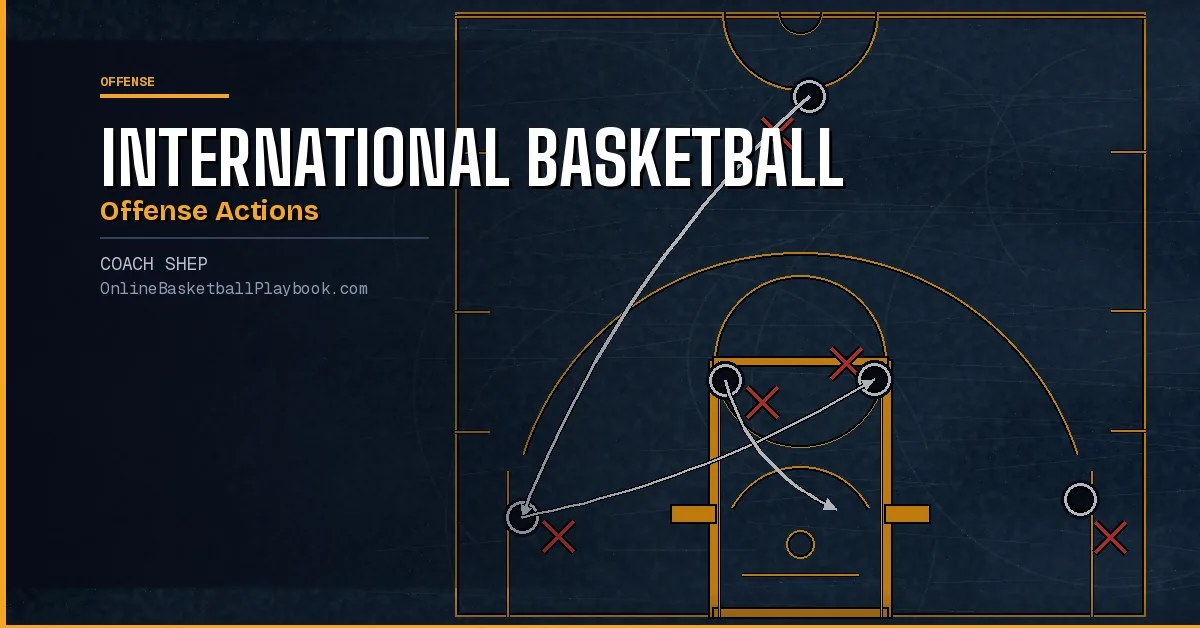
International Basketball Offense Actions Every Coach Should Know
International Basketball Offense Actions Every Coach Should Know
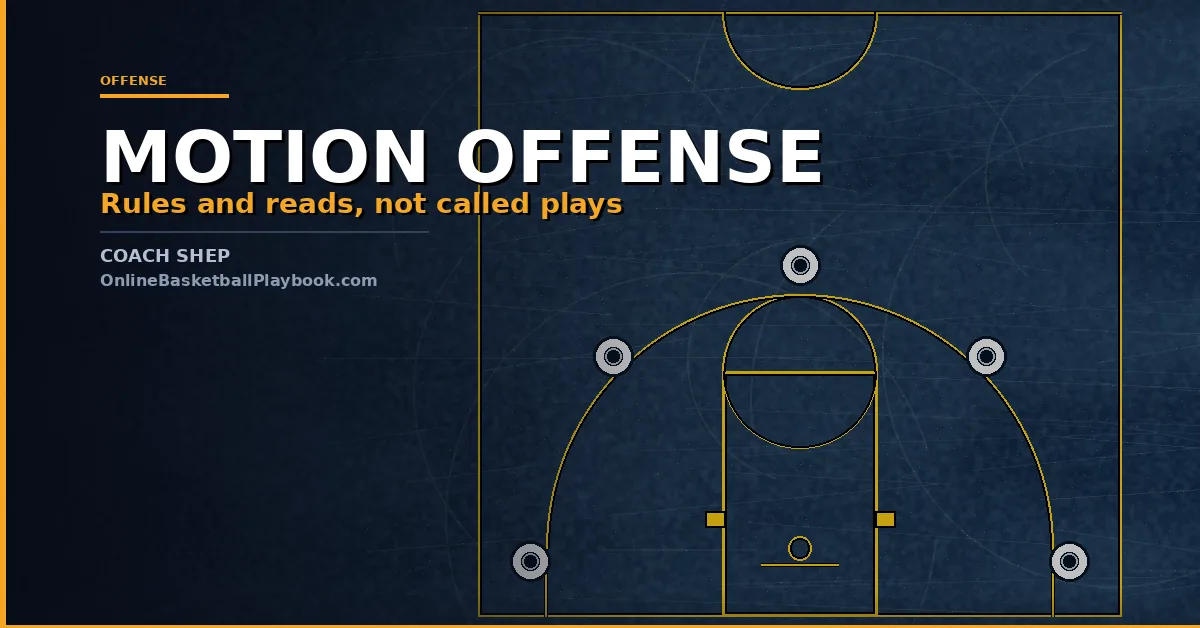
Motion Offense: Spacing, Rules, Actions and How to Install It
Motion offense runs on rules, not called plays. See the spacing, four core actions, 5-out versus 4-out 1-in, the install order, drills and where it struggles.
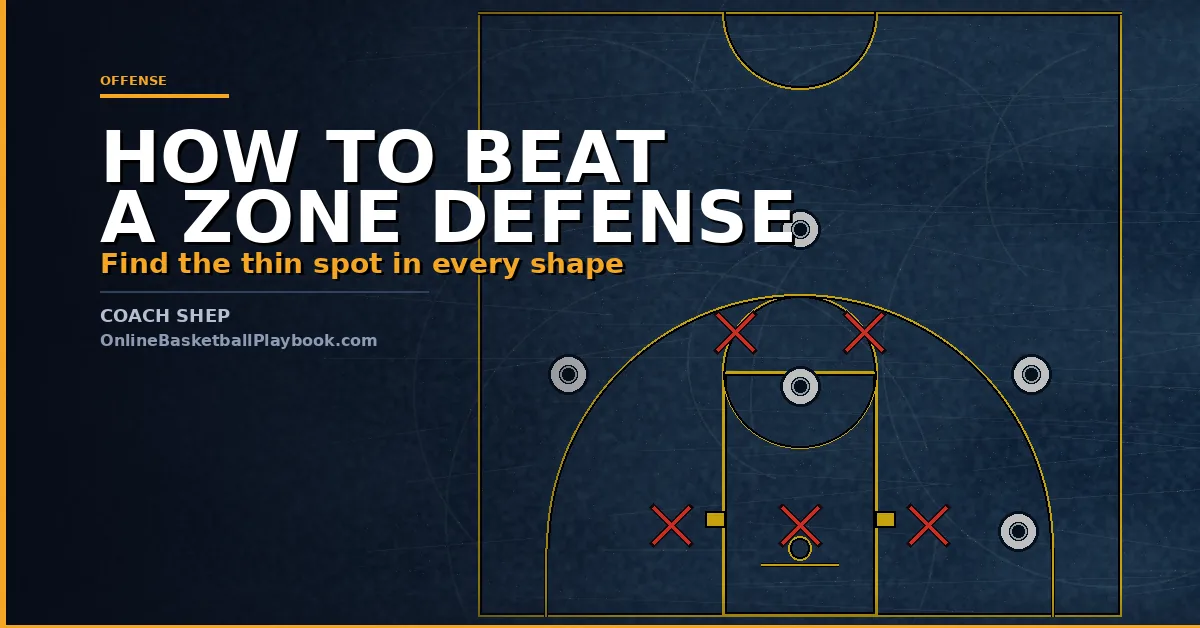
How to Beat a Zone Defense: Every Zone and Where to Attack It
How to beat a zone defense, one zone at a time: what the 2-3, 3-2, 1-3-1, 1-2-2, 2-1-2, matchup and junk zones take away, give up and where to attack.